FBT and Tax Management
Tax management is made simple with ProSpend. Our tax wizard is designed for Australian FBT and GST as well as used globally with configurable tax options.

Over 1,000 customers trust us since 2015
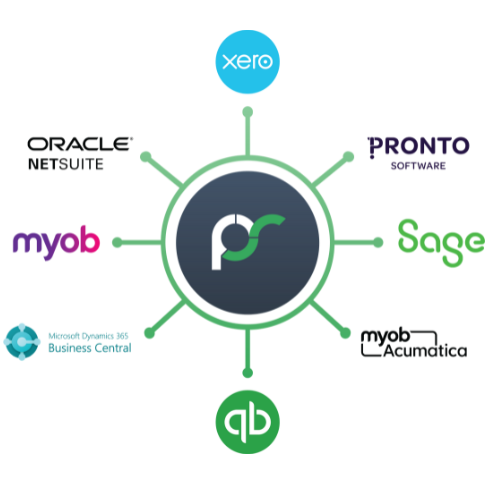
Integrations with 30+ leading ANZ ERPs

Dedicated implementation and local support

MYOB Innovative App of the year finalist
Manage your FBT
Businesses risk paying more fringe benefits tax (FBT) than necessary if they are unable to track and record their meal and entertainment spend accurately. ProSpend’s powerful FBT module gives businesses the ability to manage this part of their FBT liability using either the 50/50 or Actual method as prescribed by the ATO.
.png)
50/50 Method
Users are presented with customisable fields to enter the number of recipients and the FBT wizard does the calculation automatically.
.png)
Actual
Recipients are automatically presented to your employees from your user database with customisable entry fields.
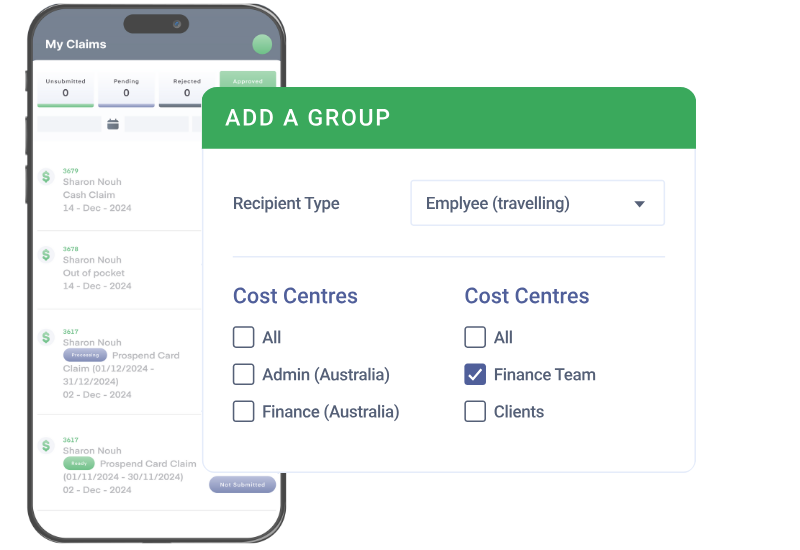
Add groups for quick splits
Users can set up their own 'groups' to launch an automatic list of recipients/guests for the FBT allocation
Any number of groups can be saved
Multiple Tax Rates
✅ Default rates - Tax rates can be configured for different country or locations
✅ No tax - Any expense can be configured for No Tax, like mileage and the user is unable to edit
✅ Multiple tax rates - Employees can edit entire tax amounts or apply different rates for different items in an expense
✅ Export tax rates - For accounting systems that use tax codes, ProSpend is configured accordingly so the correct tax is exported
✅ Exception handling -Automatically removes the GST for lost receipts based on a set of rules
.png?width=1200&height=825&name=tax%20management%20(1).png "tax management (1)")
Track and Report
Our on-demand and real time FBT reporting analyses FBT data from within expense manager and simplifies the return process.
The FBT Report can be run at any point in time across a number of criteria including a date range, status, category, cost centre, expense type (only FBT related expense types are available) and by claimant.
A gross up factor and tax rate is defaulted to the report. If a company is eligible to claim a minor benefit exception amount this can also be entered in the report criteria and excluded from the report.
Reporting that is detailed and supportive
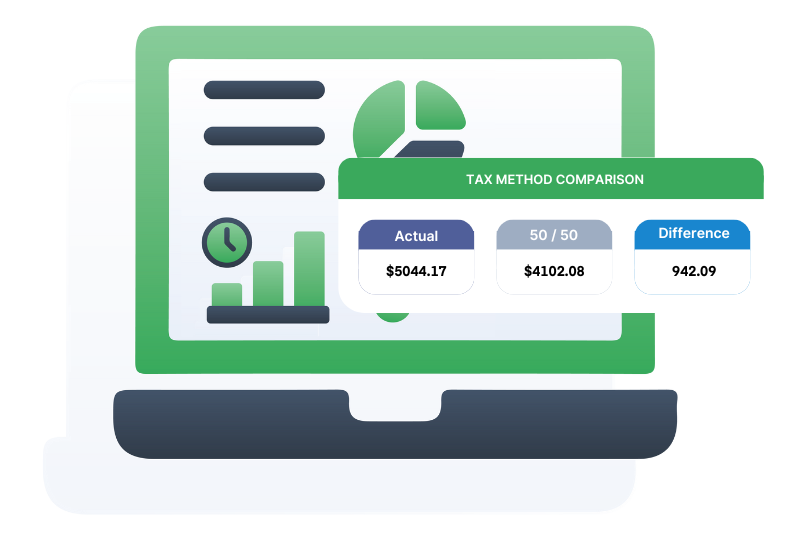
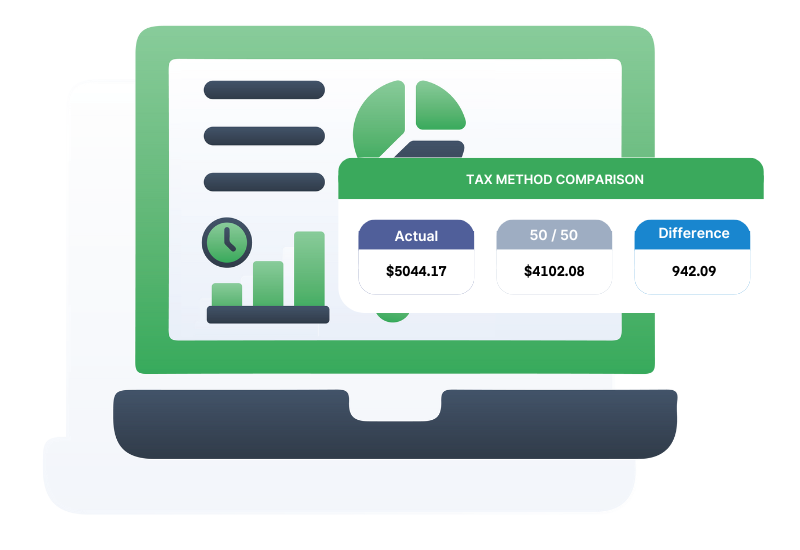
Detailed recipient information is available to support an organisation's FBT return and a comparison that shows the amount of FBT payable if an organisation lodges an Actual or 50/50 return.
One platform for all your business spend
Easily manage your expenses, invoices, purchase orders and cards all in one unified platform
FAQ
Category 1: Understanding FBT & Why It Matters
What is FBT and why is it complex for Australian organisations?
Fringe Benefits Tax (FBT) is a tax employers pay when providing non-salary benefits to employees, such as meals, entertainment, travel and gifts. Complexity arises because the ATO has strict categorisation rules, exemptions and record-keeping obligations. Organisations often struggle with inconsistent coding, missing receipts and manual adjustments at year-end.
Why do finance teams use software for FBT management?
Which teams typically manage FBT in ANZ organisations?
Category 2: How ProSpend Supports FBT Accuracy
How does ProSpend apply ATO-aligned FBT categories?
ProSpend automatically assigns expenses to ATO categories like meal entertainment, minor benefits, travel, property benefits and mixed-use scenarios. This ensures consistent treatment of meals, events, alcohol and staff functions. Finance teams can override or review categories before final reports are prepared.
Does ProSpend help distinguish between business travel and taxable meals?
Can ProSpend identify minor benefits under the $300 threshold?
Does ProSpend manage FBT for card, expense and AP transactions?
Yes. ProSpend consolidates FBT treatment across virtual cards, corporate cards, reimbursements, AP invoices and travel spend. This avoids the common issue of disconnected systems producing inconsistent categories.
Category 3: Record-Keeping, Compliance & Audit
How does ProSpend improve FBT record-keeping?
All receipts, notes and approvals are stored against each transaction, providing a complete digital audit trail. The system supports the ATO’s 5- to 7-year retention expectations. This reduces the need for manual files or spreadsheets.
Can ProSpend support year-end FBT reporting requirements?
Yes. ProSpend prepares exportable FBT reports summarising benefits by category, employee and entity. These reports can be used directly for year-end review or provided to your tax adviser.
Does ProSpend help reduce the risk of ATO penalties?
By applying consistent rules, validating GST and enforcing record-keeping, ProSpend reduces the likelihood of misreporting. Clean audit trails and structured logic also make it easier to justify treatment decisions if reviewed by the ATO.
Category 4: Multi-Entity, Policies & Controls
Can ProSpend handle FBT across multiple entities or ABNs?
Absolutely. Each entity can maintain separate FBT policies, thresholds and approval rules while centralising reporting for finance. This is especially helpful for organisations with multiple locations or cost centres.
Does ProSpend support different policies for staff, volunteers or contractors?
Yes. ProSpend can apply different rules depending on user type, department or spending behaviour. This is particularly useful for NFPs and councils with varied workforce arrangements.
How does ProSpend ensure consistency across departments?
FBT logic is applied at the platform level, meaning all teams follow the same rules. This reduces inconsistent coding between AP, expenses, travel and card transactions.
Category 5: Implementation, Integrations & Fit
Which ERPs does ProSpend integrate with for FBT reporting?
ProSpend integrates with Xero, MYOB, NetSuite, Business Central and Acumatica. This ensures FBT categories flow cleanly into your ledger structure without manual rework.
How long does FBT implementation typically take?
Most organisations configure and go live within 4–10 weeks, depending on how complex their policies and entities are. Australian-based specialists guide setup, mapping and training.
How does ProSpend compare to Concur or Weel for FBT management?
ProSpend offers deeper ATO-aligned logic, stronger categorisation, multi-entity support and full visibility across expenses, cards, AP and travel. Many ANZ organisations adopt ProSpend when global or lightweight tools lack comprehensive FBT features.