One Unified Platform for spend management and proactive control

Expense Manager

AP Manager

Advanced 2-way and
3-way Invoice Matching

ProSpend’s advanced Invoice Matching ensures invoices align with purchase orders and receipts, instantly cross-referencing documents to eliminate manual tracking, speed up approvals and reduce financial risk– saving your AP team valuable time and effort.

ProSpend Website Header Animation  (2000 × 1623px) - 2025 (Scale down on export)
ProSpend_Footer_Icon_3

Over 1,000 customers trust us since 2015

ProSpend_Footer_Icon_1

Integrations with 30+ leading ANZ ERPs

ProSpend_Footer_Icon_4

Dedicated implementation and local support

ProSpend_Footer_Icon_2

MYOB Innovative App of the year finalist

Advanced matching that leaves no room for errors

✅  AI Invoice scanning   ✅  Line-item extraction  ✅  Auto-coding  ✅ Approval workflows ➡️  ✅Advanced PO-matching

 
2 way matching (1)

Advanced 2-Way Matching with ProSpend POs

✅  Set up rules to determine if an invoice is PO-backed and if it should go through the matching process
 
✅  Base rules on the supplier or bill amount

✅  If an invoice has a purchase order, the PO bill coding data pre-populates the invoice
 
✅  Configure a Goods Receipt Acknowledgement workflow to buyers to approve a matched PO 
 
 acrux (1)
 

Advanced 3-way matching algorithm

ProSpend's advanced matching algorithm enables a real-time sync, automatically comparing line item data from your invoice to your PO and PR from your ERP enabling a faster and more accurate reconciliation of your AP records.
 
✅  Matches headers and line level items

✅  Aligns units of measure, landed cost, GST and more

✅  Match multiple POs against one invoice and vice versa
 
*Available for MYOB Acumatica & MYOB Exo
 
ProSpend Website Header Animation  (2000 × 1623px) - 2025 (Scale down on export)
variance handling (5)

Faster matching with variance handling

Unexpected discrepancies can slow down approvals and payments.  ProSpend automatically flags variances exceeding your set threshold and routes them to the right approvers for quick resolution—ensuring errors are caught early and payments stay on track.

✅  Increase first-time match rates to reduce costs

✅  Quickly identify exceptions with an intuitive, color-coded interface

✅  Minimise manual reviews by focusing only on critical discrepancies

✅  Customise tolerance thresholds that suit your business


Frictionless Approval Cycle

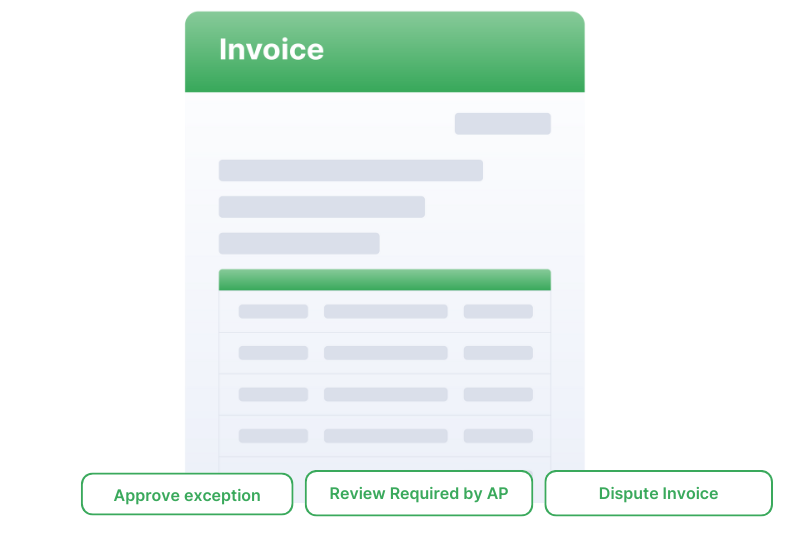
When invoice data matches the corresponding PO or receipt—or falls within your set tolerance—the invoice can be automatically approved.  Any exceptions are routed through an exception workflow
 
This eliminates manual reviews for low-risk invoices, speeding up processing and reducing the burden on approvers.
 
invoice exception approval

Free your finance team and protect your cashflow

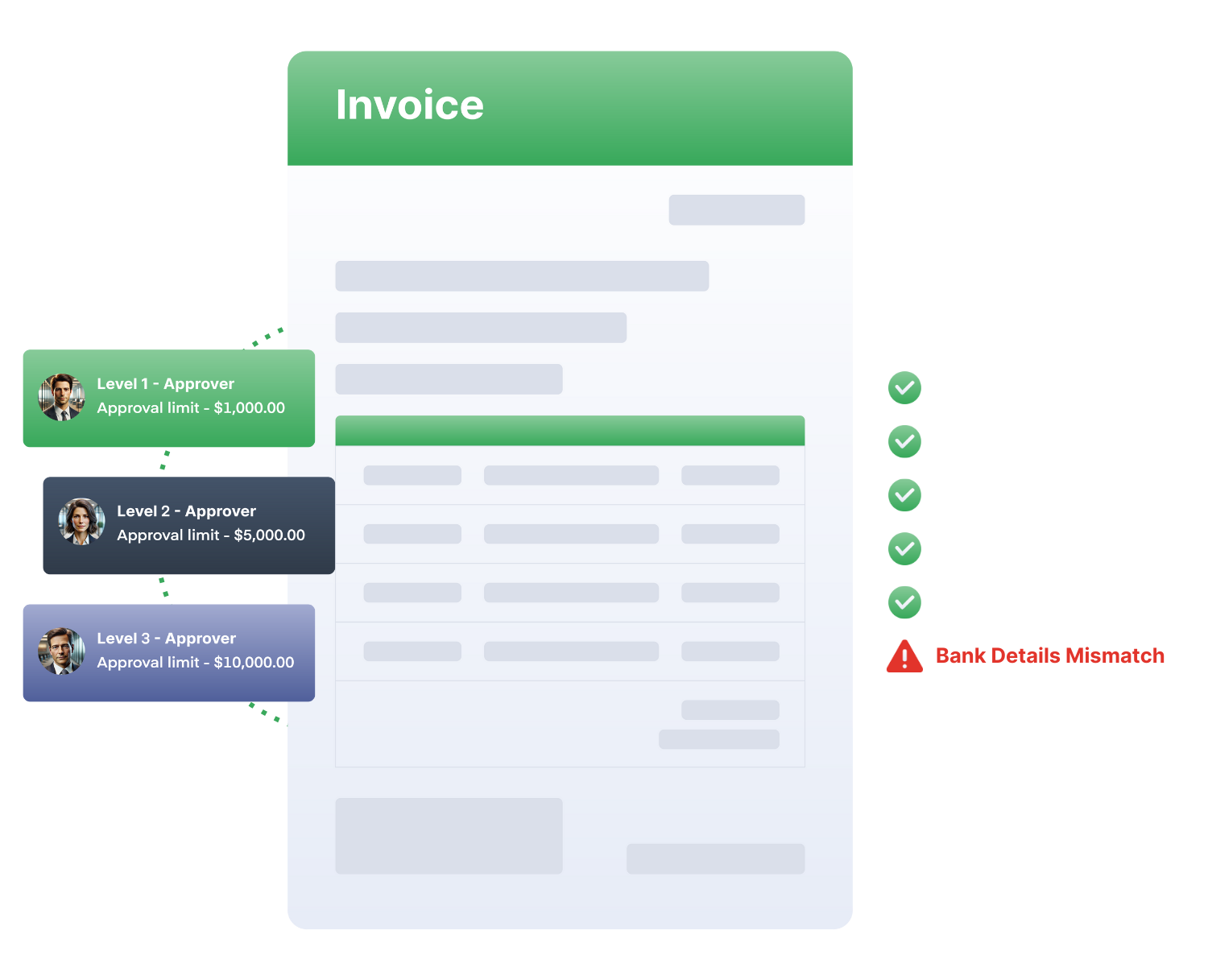
Eliminate manual AP tasks—no more data entry, invoice coding, document reconciliation, or approval chasing.  Strengthen your business' defense against invoice fraud with built-in verification and security measures.

Let automation handle the manual work so your finance team can focus on what truly matters.

Invoice and AP Automation 2
PROTIPS BY YOURS TRIEU-LY

Bank Account Validation

PROTIPS BY YOURS TRIEU-LY

Supplier Average

Westvic Staffing

WestVic Staffing

WestVic Staffing freed up enough capacity to equate to a full-time role — now focused on higher-value, strategic initiatives.

WestVic Staffing's Story
KFC ProSpend

KFC

KFC reduced the time to process supplier invoice approvals and payments by several days — it’s now visible to all and completely paper-free.

KFC'S Story
Barwon Coast-1

Barwon Coast

With ProSpend our Managers have better visibility and control along all the steps of the invoice entry, approval and payment process. 

Barwon Coast's Story
Billini

Billini

ProSpend’s responsive support makes it easy to get help fast, so we can stay focused on business while they handle any issues.

Billini's Story

One platform for all your business spend

Easily manage your expenses, invoices, purchase orders and cards all in one unified platform.

TESTIMONIALS

What our customers say

The smartest and most efficient way to manage your spend.

"I believe it is an excellent choice for any organisation seeking a streamlined and efficient AP process."

“The expensemanager (now ProSpend) invoice module has automated our accounts payable process. As a result we have saved hard dollars in printing, filing, storage and man-hours. ”

"We’ve reduced the time to process a supplier invoice approval and payment by a number of days, it’s visible to everyone and now paper-free."

TESTIMONIALS

What our customers say

The smartest and most efficient way to manage your spend.

animals aus white

"We’ve reduced the time to process a supplier invoice approval and payment by a number of days, it’s visible to everyone and now paper-free." - Jamie Hughes

RGF

“The expensemanager (now ProSpend) invoice module has automated our accounts payable process. As a result we have saved hard dollars in printing, filing, storage and man-hours. ” - Gavin Finn

Montessori Stacked (1)

"I believe it is an excellent choice for any organisation seeking a streamlined and efficient AP process." Danny Nassif

FAQ

Category 1: Understanding Invoice Matching


What is 2-way and 3-way invoice matching?

2-way matching checks that an invoice aligns with the original purchase order, ensuring quantity, price and supplier details match. 3-way matching adds the receiving record, confirming goods or services were actually delivered before payment. ANZ finance teams use these controls to reduce discrepancies and avoid unnecessary supplier disputes.

Why is invoice matching important for ANZ organisations?

Matching protects against overbilling, duplicate charges and unauthorised spend — issues common in manual AP workflows. It also strengthens audit readiness, particularly for councils, NFPs and government-funded entities that must demonstrate transparent procurement practices. Proper matching also supports accurate GST coding for BAS reporting.

How does invoice matching reduce AP workload?

By validating key information automatically, the system flags only the exceptions that require attention. This reduces manual checking and eliminates most low-risk approvals. Finance teams can then focus on resolving exceptions rather than validating every invoice line.

Category 2: How ProSpend Manages Matching


How does ProSpend perform 2-way and 3-way matching?

ProSpend compares supplier invoices against POs and receiving records, automatically checking the supplier name, amounts, tax lines, quantities and item descriptions. Any mismatch is flagged for review before approval. This ensures invoices only progress when the organisation’s procurement rules are met.

Can ProSpend handle partial receipts or staged deliveries?

Yes. ProSpend allows invoices to match against partial receipts, which is common in construction, field services and multi-stage supply arrangements. The system tracks remaining quantities and prevents overpayment until the final delivery is confirmed.

Does ProSpend detect duplicate invoices?

ProSpend identifies duplicate invoice numbers, values, suppliers and other patterns that indicate a potential duplicate. This reduces fraud exposure and is especially valuable for organisations processing high volumes of invoices across multiple entities.

Category 3: Controls, Compliance & Risk


How does invoice matching support GST accuracy?

Matching ensures the tax treatment is consistent with the PO and the actual goods or services received. This reduces GST mis-coding and prevents overclaiming or underclaiming during BAS preparation. Finance teams gain cleaner audit trails that align with ATO expectations.

Is invoice matching useful for “No PO, No Pay” rules?

Yes. Matching enforces PO compliance by ensuring invoices cannot be approved unless a PO exists and aligns with the purchase. This helps ANZ organisations reduce surprise invoices and maintain predictable spending.

Can ProSpend handle multi-entity invoice matching?

Absolutely. ProSpend supports separate entities, ABNs and approval flows while centralising visibility for finance teams. Matching rules respect each entity’s suppliers, cost centres and budgets.

Category 4: Implementation & Fit


Do we need to change our existing procurement process?

Not necessarily. ProSpend mirrors your existing workflows but provides structure, visibility and automation around matching. Many organisations refine their process during implementation to simplify approvals and reduce bottlenecks.

How long does it take to implement invoice matching?

Most organisations go live within 4–10 weeks depending on approval complexity, PO adoption and ERP integration. Australian-based implementation specialists guide your configuration, testing and training.

Which ERPs does ProSpend integrate with for matching?

ProSpend integrates with Xero, MYOB, NetSuite, Business Central and Acumatica. Approved, matched invoices export directly to your ledger with correct coding, tax rates and dimensions.

Category 5: Competitive Fit & Common Questions


Is invoice matching suitable for NFPs, councils and government-funded entities?

Yes. These organisations often benefit the most due to strict audit requirements, grant reporting, and multi-location procurement. Matching helps maintain transparency and ensures only verified goods and services are paid for.

Can invoice matching work if we rarely use POs today?

Yes — ProSpend can help you introduce simple PO processes without adding unnecessary admin. Many organisations begin with lightweight POs to unlock effective matching and reduce invoice disputes.

Does invoice matching slow down AP processing?

No — automation speeds it up by only routing exceptions for manual review. Clean invoices flow straight through, reducing backlogs and keeping payments within preferred supplier terms.